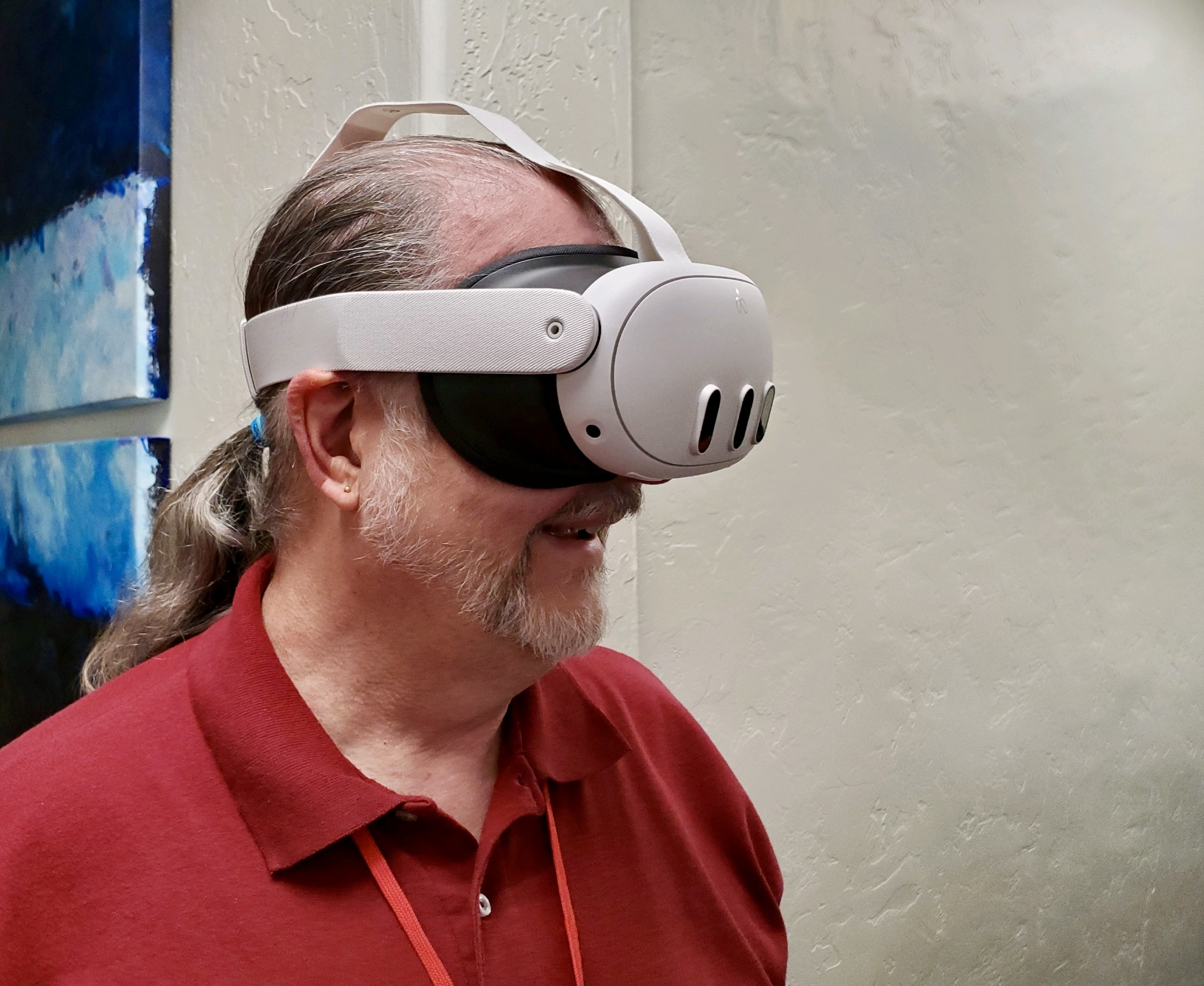
I recently had a couple of opportunities to spend about five minutes wearing a Meta Quest 3. My former employer uses the device to promote our local municipality’s public facilities and natural resources for tourism. The first time, I got to view a festival in the main city park that featured local vineyards, wineries, distilleries, and breweries, with live music, arts and crafts, and food vendors. I was able to experience the festival virtually, walking through the park by viewing a 360° video. It was a cool but somewhat disturbing experience.
The Setup
My former coworker, who I will call Ben (because that’s his name), had expanded the light shield so the unit could be worn over my glasses. When I put it on, it was quite loose and it almost fell off. Ben helped me to adjust the straps tighter so it fit snugly on my face. It had been set for his head, which is bigger than mine. Once the fit was set, the screens showed a pass-through image of the office I was standing in with an alert informing me to choose a setup option. I don’t remember the terminology it used, but I did have to use a hand-held controller with buttons to point at the virtual button I needed to “click.” When the controller was detected by the unit, it showed a white laser-like pointer that I had to aim at the virtual button. When activated, the unit did some kind of analysis of the actual physical environment to create a virtual environment that I could inhabit without tripping over something, should I choose to walk around with the headset on. Not sure why it couldn’t just keep showing me the pass-through view of the actual room. Perhaps it had something to do with the video player software.
Either way, I found myself in a virtual indoor space that I would describe as a loft-like, unfurnished office. It seemed much larger than the real space of the office I was physically standing in. There was a staircase in one corner. I don’t know where it led and am not sure how I could have climbed it. But I was not there to explore. I was there to watch an immersive 360° video.
The Video
At the time I got to preview the video and device, Ben was still getting content captured and edited, so there was only one clip for me to view. I had to turn around to find the video player console that was floating what seemed to be a few feet away in the virtual loft. I pointed the virtual laser at the one video clip thumbnail available and pushed the button on the hand-held controller to start the video.
I found myself in the park hovering about seven or eight feet off the ground. Ben had captured the video using a 360° camera mounted on a pole that he held straight up over his head as he walked around the park. The resolution of the image was grainy, like watching a video from the 1990s web. It did feel like I was walking around the park because the image was a little bouncy—Ben’s footsteps influencing the stability of the camera—I would have been extraordinarily tall or walking on stilts, however. I found that my brain was telling me I was walking and moving, but my body was standing still. This was the disturbing part of the experience. I had to concentrate on my physical body and spread my feet apart to provide more stability or else I felt like I would fall over. I wasn’t dizzy or nauseated, just wobbly.
The cool part was that I could turn all the way around to see and hear what was going on around me in the park—the vendors, the people, the music, and the drinking. The only thing missing was the smell of the grass, trees, and food being cooked. I could watch what was behind me as if I were walking backward or shuffle along sideways and see what people were doing on either side. Aside from the low resolution of the image, which indicated it was just a video, it did feel as if I were actually in the park (albeit wearing non-prescription sunglasses).
On the Mountaintop
The second opportunity came a few weeks later after Ben had edited more footage. This time I got to see a promotional video edited together from 3D footage captured at the summit of one of our local mountains—the culmination of a hiking challenge event. This was an immersive video as opposed to a 360° video, so it was only about 180° of view. This time, I sat down during the viewing.
I have to say it was a pretty spectacular experience seeing the view of the valley from the mountaintop. The 3D environment was very realistic, except for the low-resolution screens in front of my eyes. Like the walk in the park video, it was grainy and pixelated.
So What Now?
Is a VR/AR headset in my future? Well, probably not right away, and certainly not the Meta Quest. It was an interesting experience, but the quality of the video content I viewed was not high enough for me to want to use it regularly for watching content. It did make me curious to try the Apple Vision Pro to see what the high-resolution screens could deliver. Perhaps I’ll make a trek to the closest Apple Store for a demo sometime.
For now, I’ll stick with my Mac mini, my iPad, and my iPhone for creating and consuming content.


 BazzaRama
Leave a comment